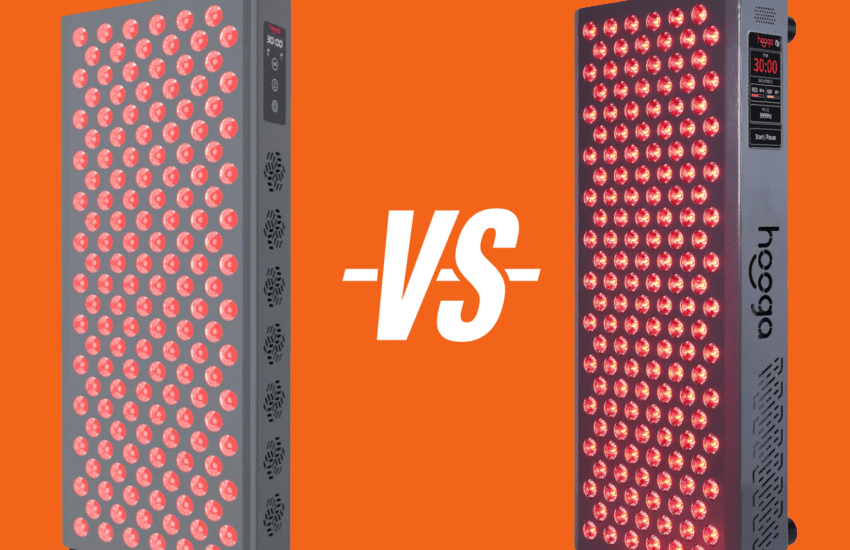
Hooga Ultra 360 Review: My Honest Take on This At-Home Red Light Therapy Panel
If you are looking into red light therapy panels, you probably want something that fits into your day without another appointment.
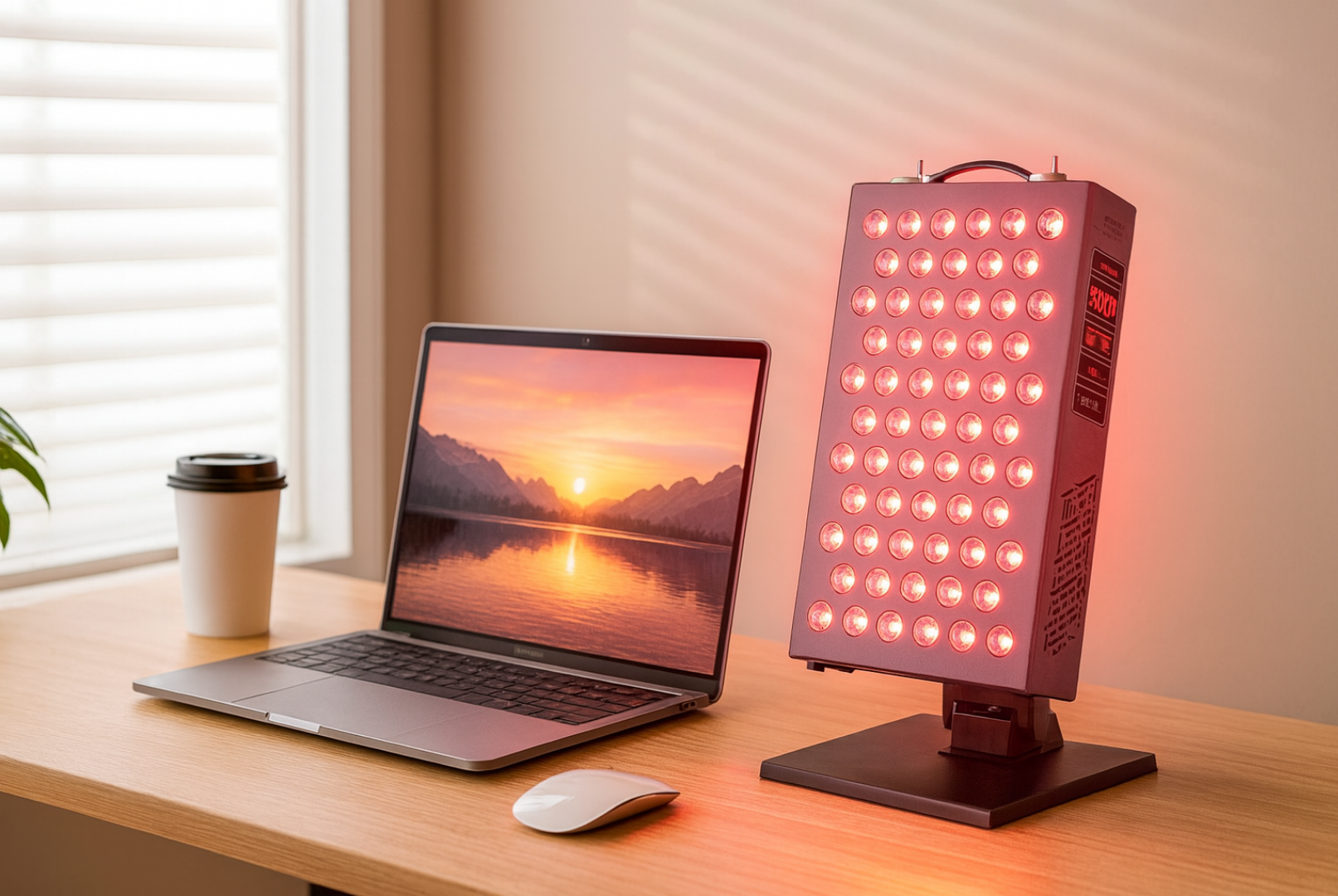
The Hooga Ultra 360 is built for exactly this kind of effortless use. Set it on your desk, switch it on while you drink your morning coffee, and let it run quietly for ten minutes. A few sessions a week slip into your routine before the day even really begins.
Before home panels became accessible, the only way to get this kind of treatment was at a clinic where sessions ran anywhere from $50 to a couple of hundred dollars each.
Two or three visits a week for weeks on end adds up fast, and the moment you stop going the benefits start to fade.
The Ultra 360 changes that equation. It’s a one-time purchase that delivers the same red and near-infrared wavelengths at home, whenever it fits your schedule. No appointments, no driving across town, no recurring payments.
This review covers how the Ultra 360 actually performs, what the real downsides are, and whether it’s the right panel for your specific situation.
Disclosure: This article is reader-supported and contains affiliate links.
What is the Hooga Ultra 360?
The Hooga Ultra 360 is a red and near infrared light therapy panel built with 72 quad-chip LEDs.
Instead of each LED only emitting one wavelength, each LED combines 630nm, 660nm, 810nm, and 850nm.
In practice, that design is intended to give you a more consistent mix of those four wavelengths across the lit area, so you’re less likely to have spots where one wavelength dominates simply because you’re standing in front of a different cluster of LEDs.
The red wavelengths at 630nm and 660nm focus on surface level issues. They reach into the skin tissue, support collagen production, help smooth texture, and may speed up healing from breakouts or irritation.
The near infrared wavelengths at 810nm and 850nm go deeper into the body, reaching muscles, joints, and tendons where they can support recovery.
Because the panel delivers both red and near infrared wavelengths, the Hooga Ultra 360 handles multiple applications—wrinkles, acne, muscle soreness, and joint issues—without requiring separate devices for each concern.
Hooga Ultra 360 Specs: Power, Wavelengths, Coverage and EMF
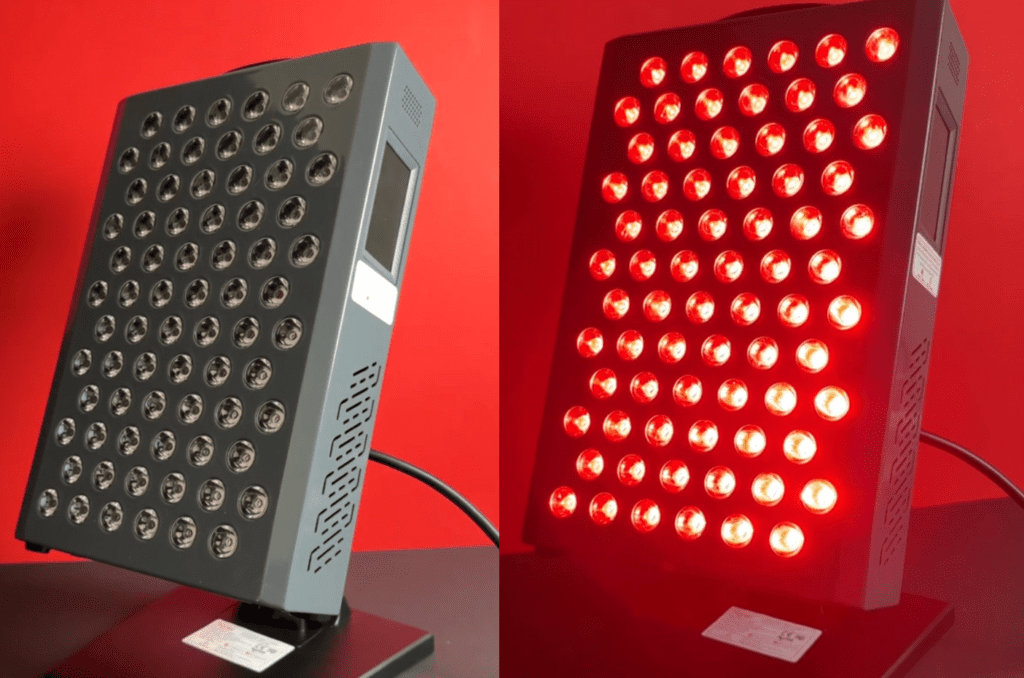
Red light therapy panels are easy to overthink, because specs get thrown around without context. The simplest way to compare options is to focus on a handful of numbers that actually affect how the panel fits into your routine: wavelengths, irradiance at a stated distance, coverage, and EMF.
Power Output (Irradiance)
Irradiance is the brand’s way of describing how much light energy reaches the skin at a specific distance. Hooga lists the Ultra 360 at 132 mW/cm² at 6 inches. Keep in mind: irradiance is highly distance-dependent, so the number matters most when you compare panels using the same distance.
Wavelengths
Hooga lists four wavelengths on the Ultra 360: 630nm and 660nm (red) plus 810nm and 850nm (near-infrared). You can run red only, near-infrared only, or both together, depending on how you want to use the panel.
Treatment Area (Coverage)
The Ultra 360 panel measures 12.7″ × 8.6″, which puts it in the “targeted tabletop panel” category.
Hooga also lists maximum coverage at 18 inches as 31″ × 27″, which is useful if you plan to stand a little farther back to cover a wider area.
This should be large enough to cover your whole face, one shoulder, both knees or your lower back in a single session.
For full body red light therapy you would need to move the panel between areas or pick up a full-body panel.
EMF Emissions
Hooga lists EMF for the ULTRA series as 0.0 µT at 6 inches. EMF readings can vary based on how and where they’re measured, but this is the figure the brand publishes for the Ultra 360.
How to Use the Hooga Ultra 360
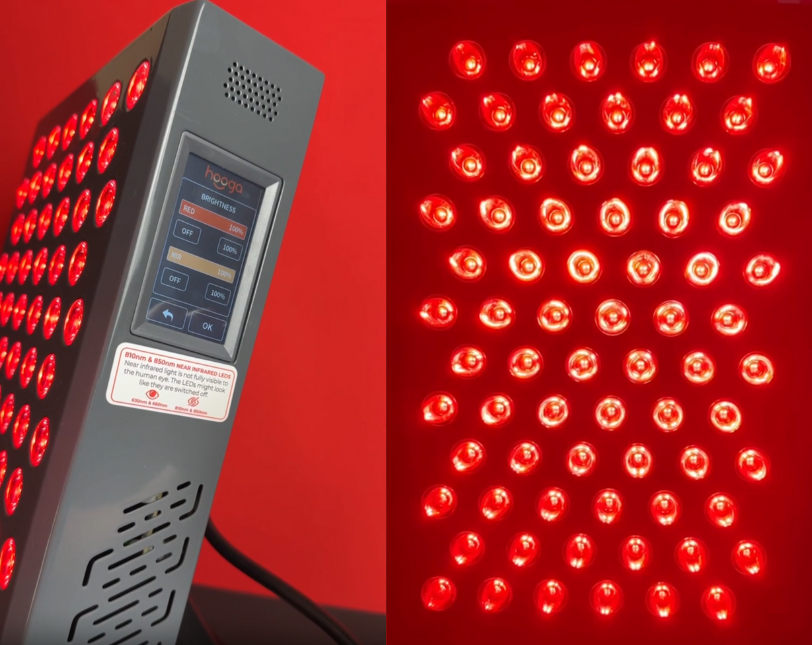
Specs are useful, but what really matters is how the Hooga Ultra 360 behaves when you are standing in front of it. The panel has enough intensity for both surface level skin work and deeper muscle and joint sessions.
The trick is to match your distance and session length to what you are trying to achieve.
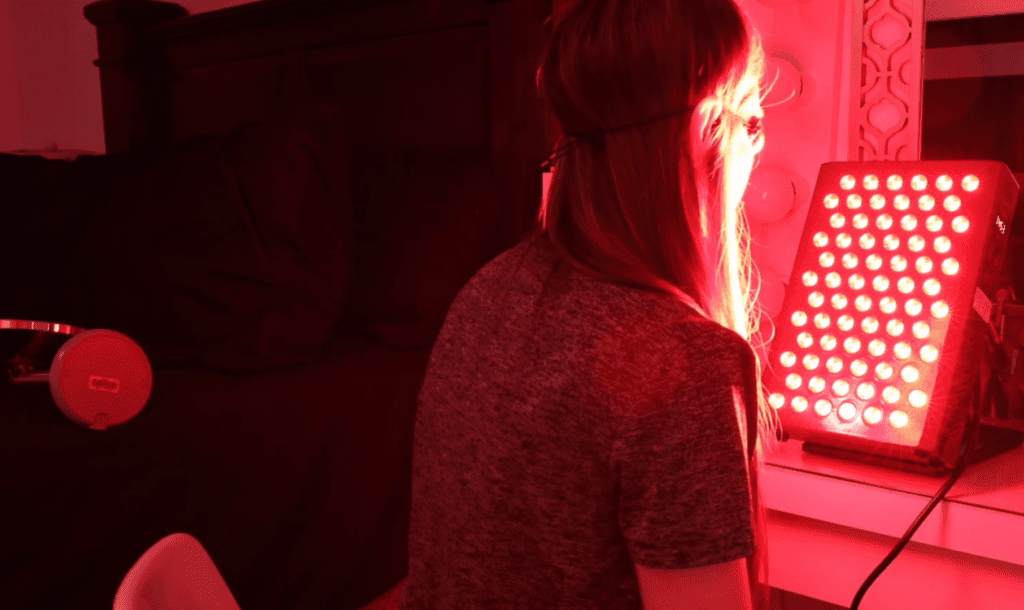
- For facial sessions that target skin quality, fine lines and acne, many people use the panel from about 12–18 inches away for a milder exposure. A common starting routine is 5–10 minutes, then adjusting based on how your skin feels.
- For more targeted areas like a sore muscle or a joint, people often move closer—around 6–10 inches—to concentrate the light on a smaller area. A typical starting range is 10–15 minutes, focusing on consistency rather than very long sessions.
At closer distances you’ll usually feel more warmth. If you notice your skin feeling “overdone” afterward, back up a few inches or shorten the time at your next session.
Note that the farther you stand back, the bigger the area the panel covers—but intensity drops as distance increases. Hooga’s own guidance puts typical use in the 6–18 inch range, which is a practical window for balancing coverage and comfort.
The main takeaway is that consistency beats intensity. Daily 10 minute sessions will almost always outperform the occasional 30 minute marathon. Your cells respond to regular, moderate light exposure over time, not to rare, extreme doses.
Here is a simple breakdown of how distance, power and coverage work together for the Hooga Ultra 360.
| Distance | Coverage (max) | Hooga’s suggested session window | Practical note |
|---|---|---|---|
| 6–18 inches | 31" × 27" (at 18") | 2–15 minutes | Closer distances concentrate light on a smaller area; farther distances cover more area. |
Source: Hooga’s ULTRA360 product listing. Coverage is shown as the brand’s maximum stated coverage at 18".
See full details of the Hooga Ultra 360 here.
Hooga Ultra 360 Review: Design and Daily Use Experience
The Hooga Ultra 360 is about the size of a large tablet and weighs around 12 pounds. The included tabletop stand tilts to different angles and is quite stiff, which keeps the panel stable but means changing positions takes a bit of effort.
If you want wall mounting or more flexibility, you’ll need to buy a separate mounting kit. The Ultra 360 won’t attach to Hooga’s horizontal or vertical stands, so this panel really is designed to live on a desk, shelf, or wall.
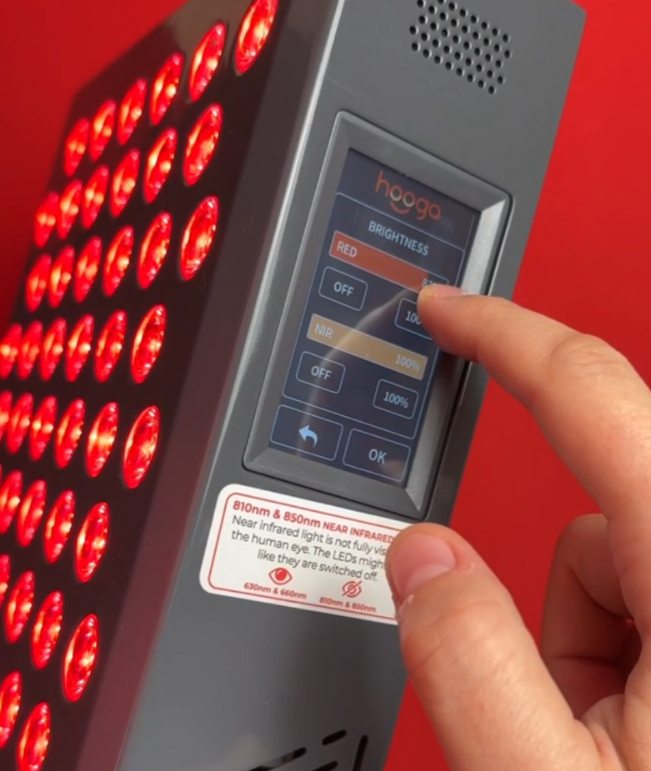
Controls are simple:
- Responsive touchscreen for fast, smooth navigation
- Red only, near infrared only, or both together
- Continuous brightness control from 1% to 100% for both red and NIR independently
- Timer from 1 to 30 minutes
- Remote control included for adjusting settings from a distance
Once you know your routine, it’s basically: set the time, choose the mode, adjust brightness if needed, press start. No apps or menus to mess with.
When the panel is running, two cooling fans turn on. You can hear them, but they sit in the background and do not overpower a TV show or conversation. They keep the panel from overheating and help protect the LEDs during longer sessions.
Hooga also includes protective eye goggles with the Hooga Ultra 360. You don’t need to wear them unless you’re treating your face at close range, but they provide extra protection if you prefer. Learn more about red light therapy glasses.
There’s also an optional pulsing mode that makes the light flicker quickly. Just note a small limitation: the pulsing only works with near-infrared wavelengths.
If you switch to red light only or the combination mode, the red wavelengths won’t pulse. Some people prefer pulsing for muscle and joint work where you’re using NIR anyway, while steady light tends to feel better for face and skin treatments where red wavelengths matter most.
Who Benefits Most From the Hooga Ultra 360?
This red light therapy panel is flexible enough to cover a few very different goals, but it’s particularly popular in four main areas.
1. Skin Rejuvenation
The red wavelengths at 630nm and 660nm stimulate fibroblasts, the cells that produce collagen and elastin. With consistent use, people may start noticing:
- Softer fine lines
- Smoother texture
- A bit more “glow” or radiance
A simple routine you may want to start with:
- Distance: 12–18 inches from your face
- Time: 5–10 minutes a day
- Timing: Morning, before your skincare routine
Red light temporarily increases skin permeability, so applying serums and moisturiser after your session can help them sink in more effectively. You can do this while sitting at your desk, kitchen table, or bathroom counter.
2. Muscle Recovery and Athletic Performance
Near infrared light is popular with lifters, runners and anyone who trains hard. The 810nm and 850nm wavelengths may support:
- Faster muscle repair
- Less post-workout soreness
- Reduced inflammation at the tissue level
For recovery work:
- Distance: 6–12 inches from the target muscle group
- Time: 10–15 minutes after training
Some people also use red and near infrared light before a workout as part of their warm-up. The research there is still early, but some users report looser joints and fewer tweaks when they use the panel pre-training.
3. Pain and Joint Support
For ongoing aches and stiffness, many people use near-infrared (or red + near-infrared) on a targeted area because it’s commonly used for deeper-focused sessions.
A simple starting point many people use:
- Distance: around 6 inches
- Time: 10–15 minutes daily
It’s not a “magic off switch,” but some users say it helps take the edge off over time.
Quick safety note: If you have a diagnosed condition (like arthritis or tendinitis), persistent pain, or you’re using this around an injury, it’s smart to check in with a healthcare professional, especially if you’re pregnant, have photosensitivity, or take photosensitizing medications.
4. Acne-Prone and Easily Irritated Skin
Many people use red light as a gentle add-on to their skincare routine because it doesn’t rely on exfoliating acids or drying ingredients. The Ultra 360 includes 630nm red light, which is commonly used for surface-level skin routines.
A simple starting routine:
- Distance: ~12 inches from your face
- Time: 5–10 minutes
- Frequency: daily or most days, then adjust based on how your skin responds
You can stick with your usual skincare routine, just use the light on clean, dry skin first, then apply treatments and moisturiser afterward. That keeps the surface clear so the light isn’t being filtered by product sitting on top of your skin.
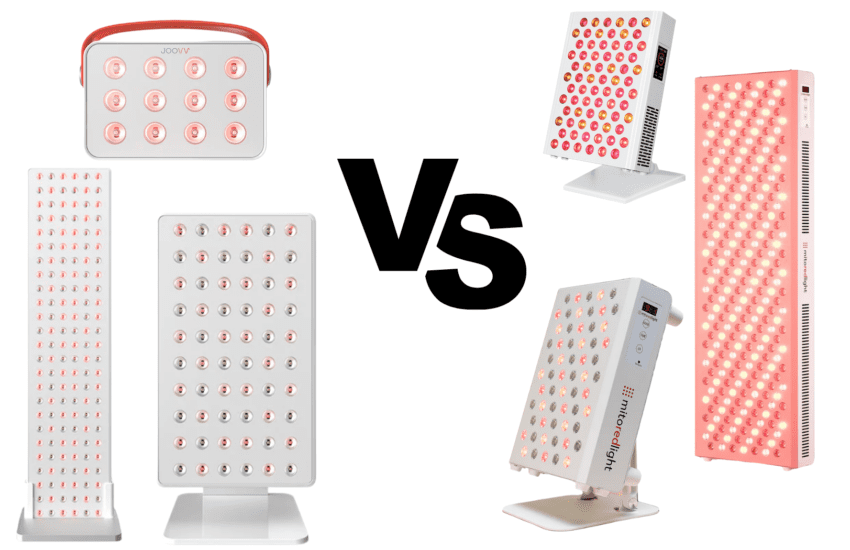
Hooga Ultra 360 vs Other Red Light Therapy Panels
| Panel | Wavelengths (listed) | Size (in) | Weight (lb) | Controls (at a glance) | Typical fit / notes |
|---|---|---|---|---|---|
| Hooga ULTRA360 Focused red + NIR setup | 630 / 660 / 810 / 850nm | 12.7 × 8.6 × 2.5 | 12.0 | On-device touchscreen (timer 1–30 min, brightness 1–100%, pulse 1–9999Hz) | Strong “core wavelengths” choice with simple on-device control. |
| PlatinumLED BIOMAX 300 | 480 / 630 / 660 / 810 / 830 / 850 / 1060nm | 19 × 9 × 3 | 11.0 | Remote/app ecosystem (varies by configuration) | Broader wavelength variety in a larger footprint. |
| MitoPRO 300X | 590 / 630 / 660 / 810 / 830 / 850nm | 14.5 × 9.5 × 2.5 | 7.0 | Touchscreen + app integration | Good match if 590nm amber is part of your criteria. |
| ROJO Refine 180 | 630 / 660 / 810 / 830 / 850nm | 10.6 × 9.0 × 2.6 | 7.7 | Touchscreen + ROJO app (Refine series) | Compact, targeted panel size; includes 830nm in the NIR mix. |
| Joovv Mini 3.0 | 660 / 850nm | 14.75 × 8.75 × 2.34 | ~7.0 | On-device controls + optional app features | Two-wavelength approach in a similar targeted panel format. |
| Bestqool BQ60 | 660 / 850nm | 8.35 × 2.05 × 13.07 | 4.78 | Touch control (timer noted by brand) | Smaller, lightweight option for specific areas. |
Note: Specs can vary by generation/batch and brand updates. This table uses manufacturer-listed specs where available.
Hooga Ultra 360 Review: Pros and Cons
Pros
- The quad-chip LED layout helps the light land more evenly across the panel, so you’re less likely to notice obvious hot spots or patchy areas you sometimes see on budget panels.
- Continuous brightness control from 1% to 100% for both red and NIR independently gives you precise control over treatment intensity.
- The remote control included with the panel lets you adjust settings without getting up, which is handy when you’re settled into a session.
- The device qualifies for FSA and HSA purchasing, which effectively gives you a tax-advantaged discount if you have those accounts.
- The 3-year warranty and 60-day trial period reduce purchase risk. You can test the device for two months and return it if you’re not happy.
- The 50,000+ hour lifespan means the LEDs should last for a very long time with daily use. You’re not buying a disposable device that needs replacement in a few years.
- Multiple ULTRA series panels can communicate with each other via remote control, so you can expand your setup and control everything from one remote if you add panels later.
Cons
- The included stand is stiff and takes effort to adjust. Some users find this annoying enough to purchase a separate adjustable arm mount.
- The panel won’t attach to Hooga’s mobile stands and doesn’t include a full hanging kit. It’s designed primarily as a tabletop unit, so wall mounting requires purchasing additional hardware.
- The pulsing mode only works with near-infrared wavelengths, not with red light.
- The basic manual lacks extensive educational content. If you’re new to red light therapy, expect a learning curve as you figure out optimal protocols for your specific goals.
Final Verdict: Is the Hooga Ultra 360 Worth It?
The Hooga Ultra 360 is often positioned as a strong value pick in the tabletop panel category. The specs are solid for home use, and the controls are straightforward without requiring app downloads or complicated setup.
At its current price, you’re essentially choosing between ongoing clinic costs of $50 to $200 per session versus a one-time investment in home therapy. The panel typically pays for itself after about 10 to 15 professional sessions, depending on local clinic rates.
Results are not overnight. Some users report noticing changes only after weeks of consistent use. The main advantage of a home panel is that it’s easy to use regularly,
If you’re looking for a compact, non-invasive red/NIR panel to use for common everyday goals like skin maintenance, post-workout recovery, or targeted areas like joints then this is a great entry level panel to try, especially if you want a simple setup.
Just be aware of the limitations: the pulsing feature only works with near-infrared, it’s designed as a tabletop unit rather than a full-body panel, and you’ll need to purchase separate mounting hardware if you want wall installation.
If you need more coverage and higher output, the Hooga Ultra 750 is better suited for larger treatment areas.
Want the bigger, full-size option? Read our Hooga HG1000 review here to compare coverage, specs, and setup.
Medical disclaimer: This review is for informational purposes only and is not medical advice. Statements about red light therapy have not been evaluated by the FDA. Results vary. Talk with a qualified healthcare professional before starting red light therapy, especially if you’re pregnant, have photosensitivity, take photosensitizing medications, or have any medical condition.